AI机器人第十四周作业
手机遥控 + 局域网通信 + 仿真机器人迷宫探索
效果图&演示动画
| 效果图 | 演示动画 |
| —— | ——– |
| 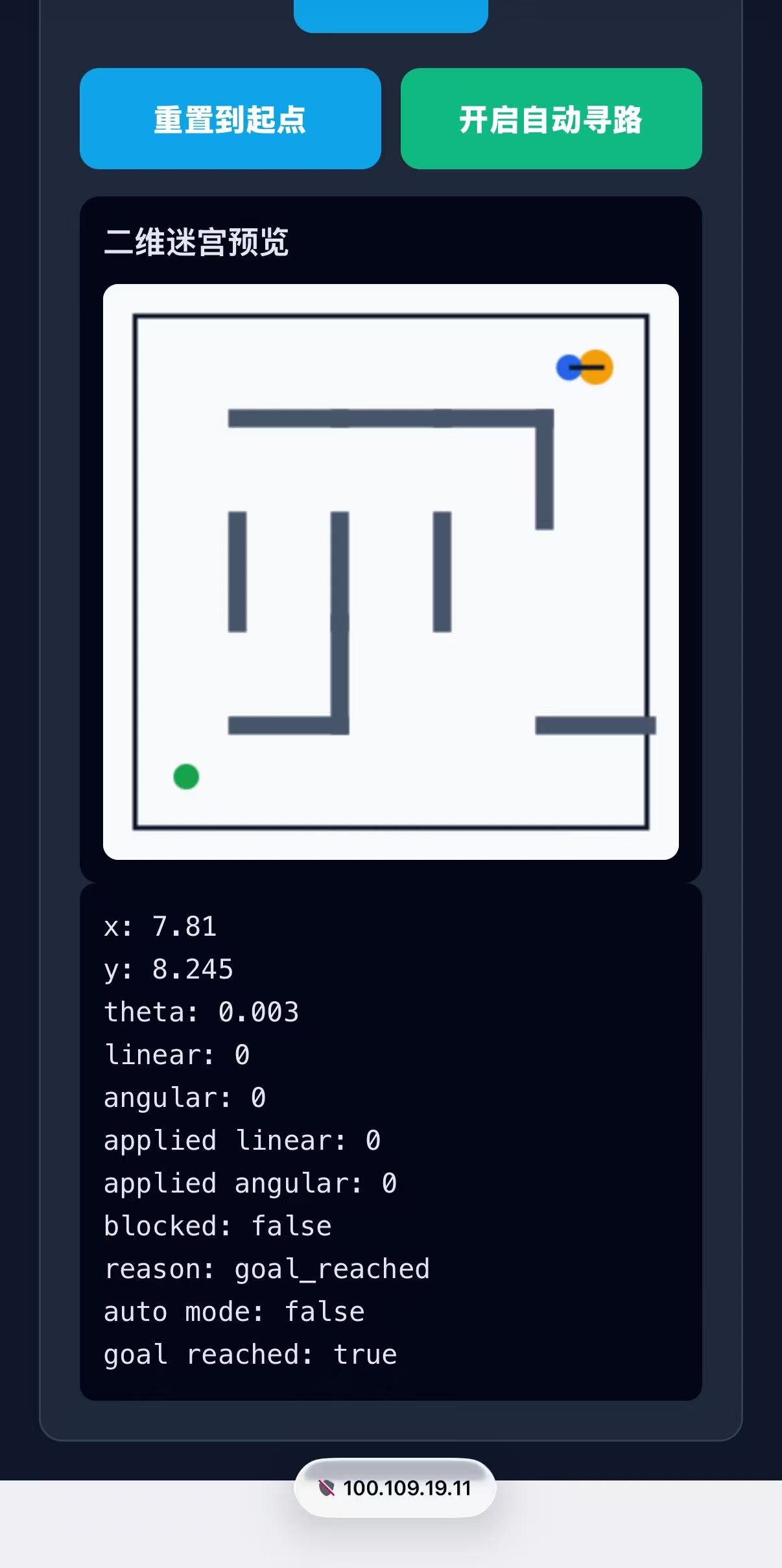 |
| 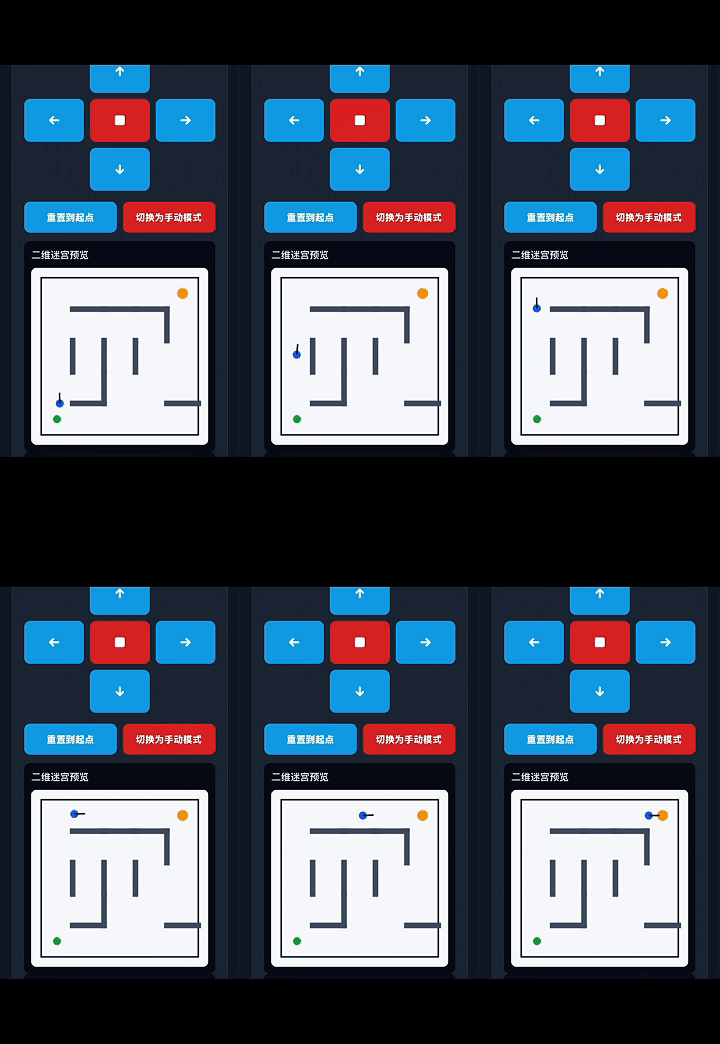 |
|
一、 项目概述
接入explorer.py,实现小乌龟的自动寻路功能,修改了index.html,增加了开启/关闭自动寻路功能的按钮。选择方向B。因为传统“沿墙走”算法在含有环路的复杂迷宫中极易陷入局部死循环或绕远路。为了实现真正意义上的全局最优解,必须采用图论路径规划算法。
二.系统链路
1. WSL启动Tailscale
sudo service tailscaled
sudo tailscaled up
tailscale ip -4
100.109.19.11
2. 手机启动Tailscale并连接
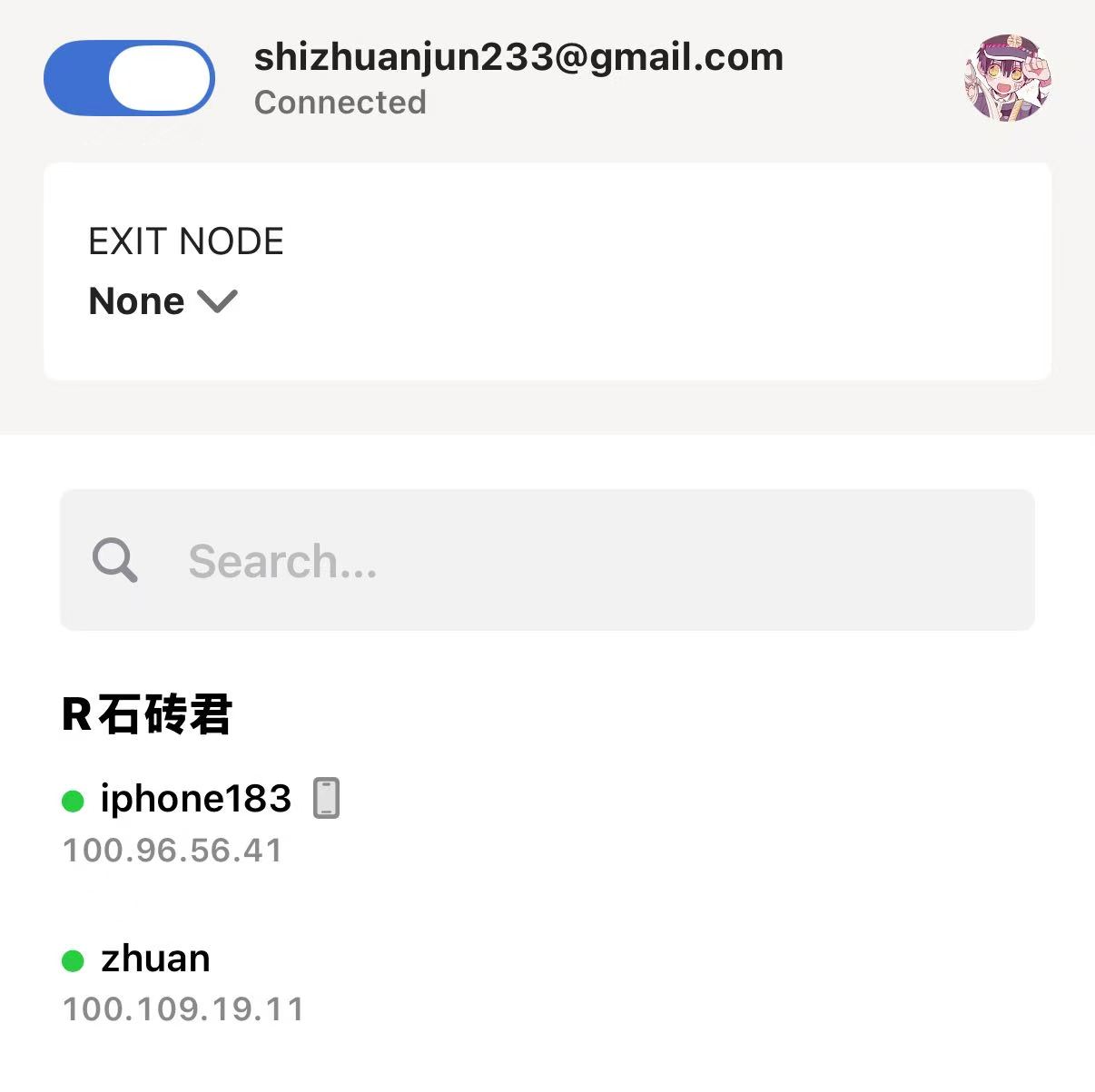
3,Docker启动小乌龟并运行
(1)第一步:启动 turtlesim
source /opt/ros/humble/setup.bash
ros2 run turtlesim turtlesim_nodesource /opt/ros/humble/setup.bash
cd week14_starters/turtlesim_remote
pip install -r requirements.txt
python3 turtlesim_web_bridge.pyhttp://<WSL的Tailscale_IP>:8080
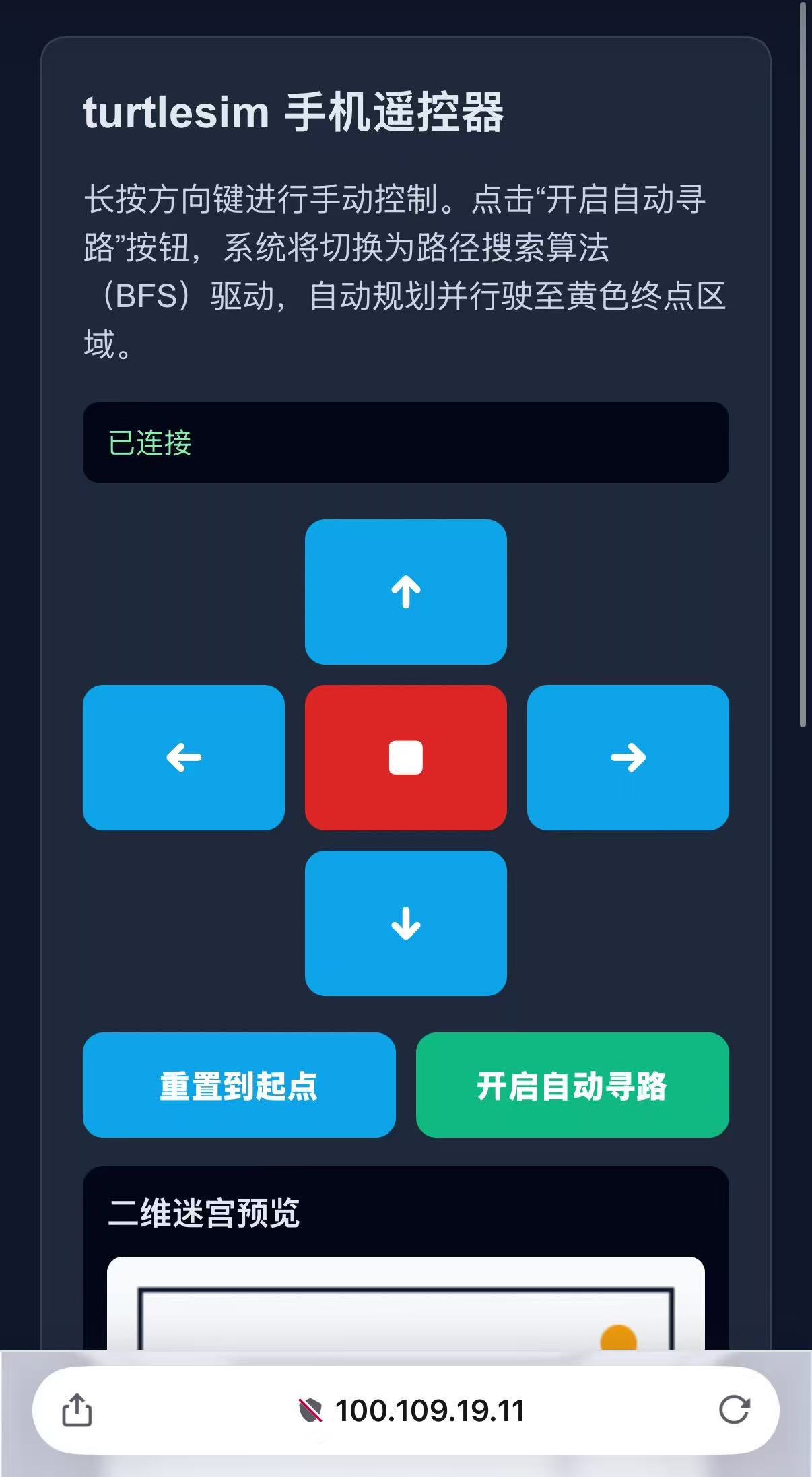
4.使用手机访问Tailscale的IP后发现已经连接上虚拟机的小乌龟遥控器界面
 ## 三. 代码改动说明
1. 修改index.html文件增加自动寻路按钮
<div class="button-row">
  <button id="reset">重置到起点</button>
  <button id="autoToggle" style="background: #10b981;">开启自动寻路</button>
</div>
2.修改turtlesim_web_bridge.py
(1). 导入Planner
from explorer import Planner </pre>(2) 重置函数中关闭自动模式为了防止重置位置后小乌龟立刻疯狂飙车,在reset_to_start 函数内将自动模式关闭.
## 四. 成果 成果及运行视频见效果图 ## 五. 报告书 https://github.com/shizhuanjun/ai-robot-JIN-JIAHAO/blob/main/week14/week14.pdfdef reset_to_start(self): if not self.teleport_client.wait_for_service(timeout_sec=0.5): self.get_logger().warning("Teleport service not ready yet.") return req = TeleportAbsolute.Request() req.x = float(START_POSE["x"]) req.y = float(START_POSE["y"]) req.theta = float(START_POSE["theta"]) self.teleport_client.call_async(req) self.current_linear = 0.0 self.current_angular = 0.0 self.applied_linear = 0.0 self.applied_angular = 0.0 self.blocked = False self.block_reason = "reset_to_start" self.goal_reached = False self.auto_mode = False self.explorer.waypoints = None