AI机器人第十二周作业
手机摄像头、ArUco 识别
效果图
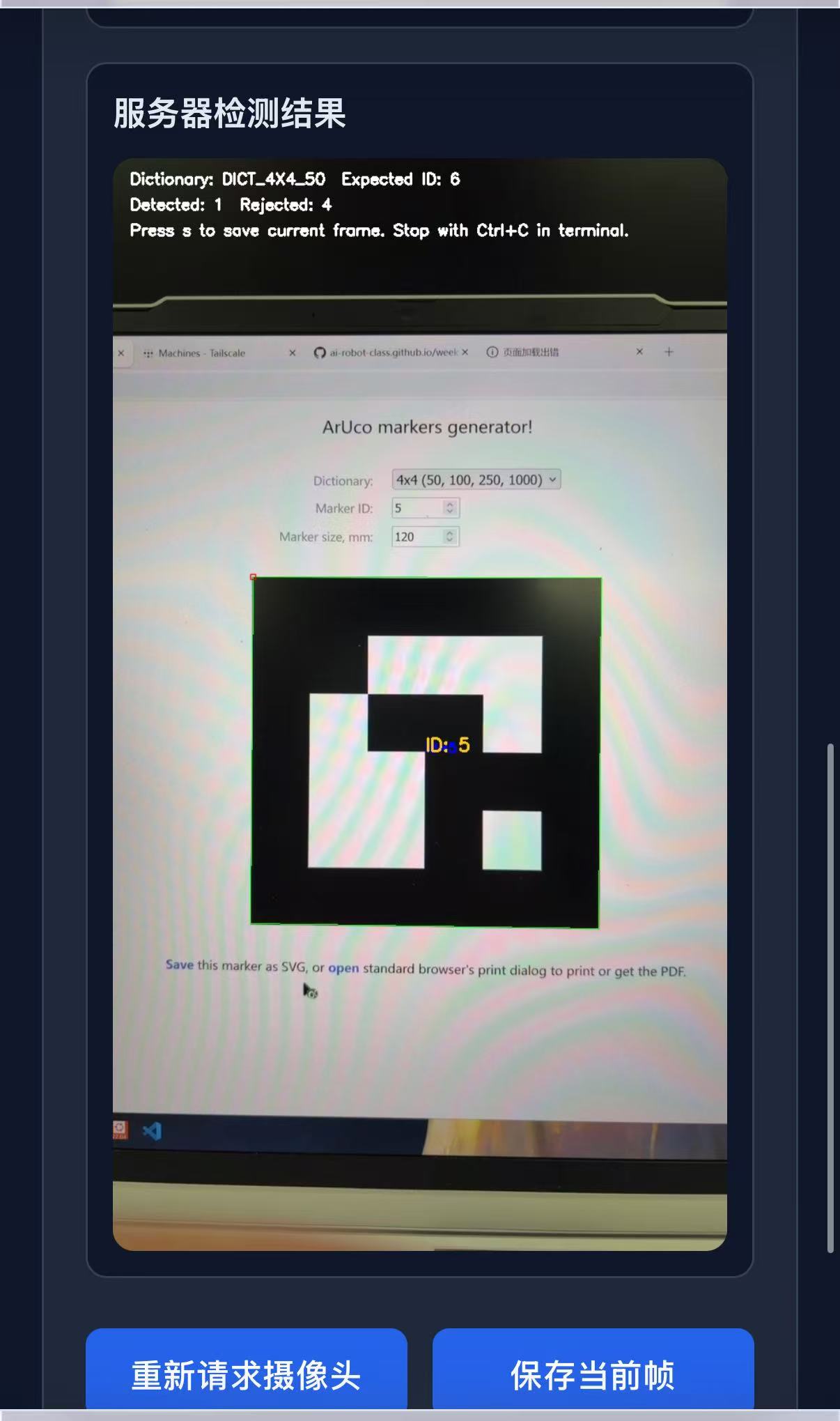 <p>
<p>
操作步骤
1.在WSL和手机中安装Tailscale
curl -fsSL https://tailscale.com/install.sh | sh
sudo service tailscaled start
sudo tailscale up
执行sudo tailscale up后,按照终端提示登录自己的账号<p>
这里登录的账号应当与手机端保持一致。<p>
查看当前网络状态:
<pre>tailscale status
tailscale ip -4
</pre>
2.给WSL加上 SSH 登录学习测试
sudo apt update
 sudo apt install openssh-server -y
 sudo service ssh start
2.1确认SSH服务启动
sudo service ssh status
然后查看Tailscale在WSL中的地址
tailscale ip -4
3.安装python库
sudo apt update
sudo apt install python3-pip -y
pip3 install -r week12_starters/requirements.txt
这一步完成后,再运行桥接程序。<p> 如果直接运行程序时看到下面这类报错:<p>
No module named 'flask'
通常就说明依赖还没有安装完成。<p> 4.运行相机接收脚本
python3 week12_starters/camera_bridge.py5.用手机浏览器访问页面 在手机浏览器中打开:<p>
https://100.109.19.11:5000